Best Wireless Charger: How to Choose the Right One for Your Devices
Wireless charging has gone from a nice-to-have extra to an everyday convenience. Instead of fumbling for a cable every time your phone runs low, you simply set it down and let it charge. If you are shopping for the best wireless charger, the good news is that there are plenty of solid options. The challenge is knowing which features actually matter and which are just marketing noise.
In this guide, we break down how wireless chargers work, the different types available, and the key things to look for so you can pick the best wireless charger for your phone, earbuds, or smartwatch in 2026. Whether you want a simple bedside pad or a full multi-device station, you will know exactly what to buy by the end.
How Wireless Charging Works
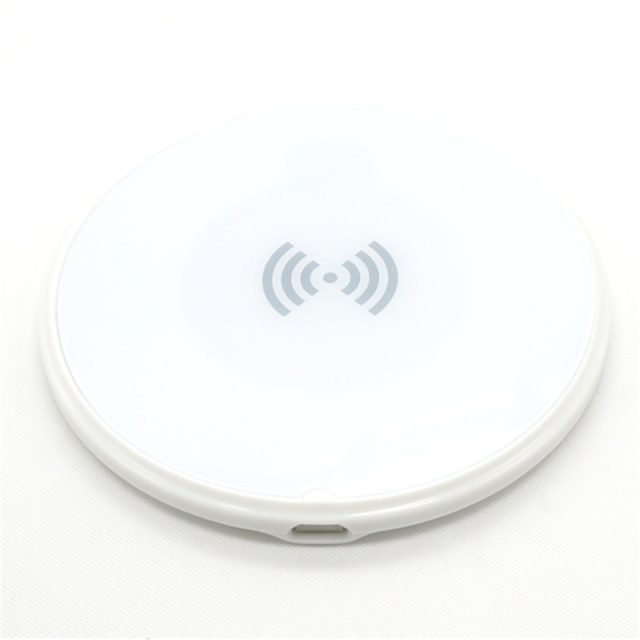
Wireless chargers use a technology called electromagnetic induction. Inside the charging pad there is a coil of wire, and inside your phone there is a matching coil. When the two coils are close together, power transfers from the charger to the phone without any physical connection.
Most modern phones follow the Qi wireless charging standard, which is managed by the Wireless Power Consortium. Newer models also support Qi2, an updated standard that adds magnetic alignment, similar to Apple’s MagSafe system. Magnetic alignment is genuinely useful: it snaps the phone into the perfect charging position, which improves efficiency and reduces wasted energy as heat.
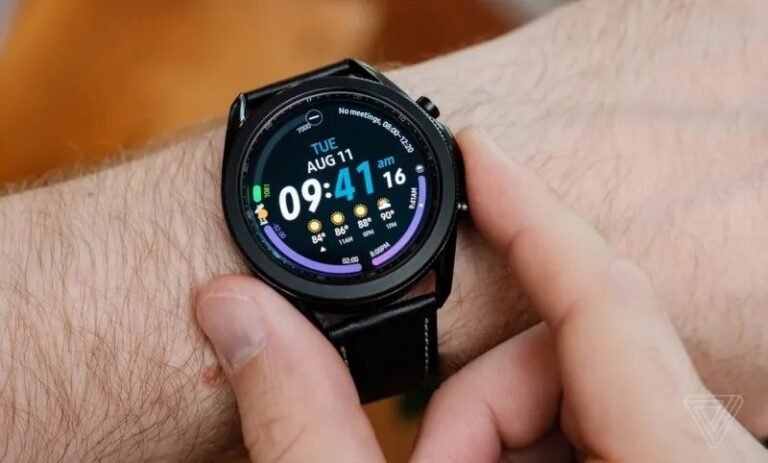
To use a wireless charger, your phone needs to support wireless charging. Most flagship phones from Apple, Samsung, Google, and other major brands have supported it for years. Many wireless earbuds cases and some smartwatches support wireless charging too, though watches often use proprietary charging pucks rather than the standard Qi protocol.
Types of Wireless Chargers
Charging pads
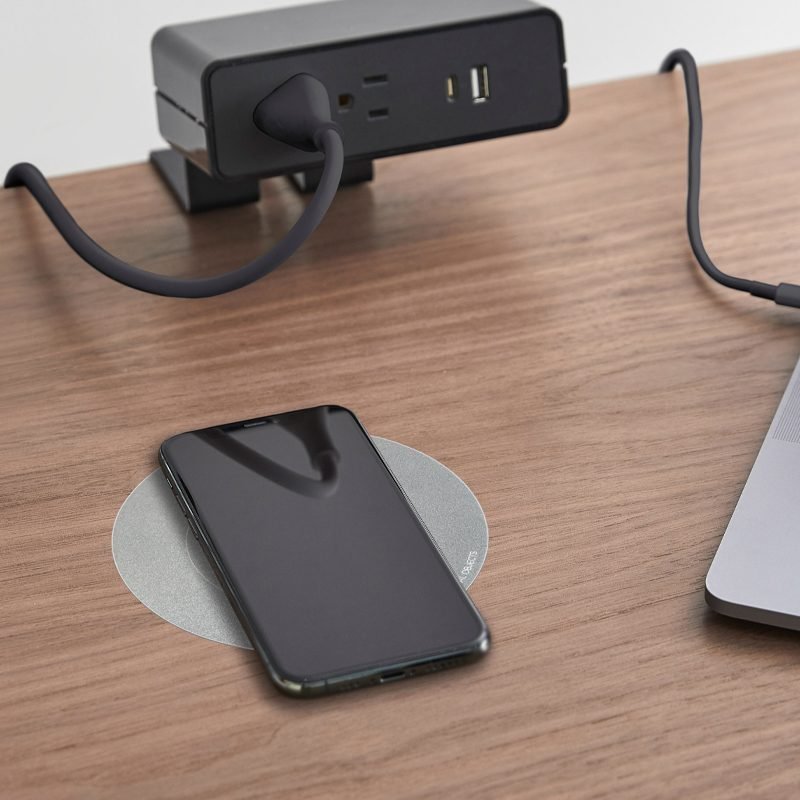
Pads are the simplest and most affordable type. They are flat discs or rectangles that sit on your desk or nightstand. You lay your phone down, and charging starts automatically. Pads are compact, easy to move, and usually the cheapest option. The downside is that you cannot easily see your screen while the phone charges.
Charging stands
Stands hold your phone upright at a comfortable viewing angle. This makes them great for desks, where you might want to glance at notifications or take video calls while charging. Most stands can charge in both portrait and landscape orientation. They take up a bit more space than pads but are far more practical for daytime use.
Multi-device charging stations
If you own a phone, wireless earbuds, and a smartwatch, a 3-in-1 station can charge everything from a single plug. These stations usually combine a phone pad or stand with a dedicated watch puck and an earbuds spot. They are ideal for a nightstand because they replace three separate chargers and one tangled mess of cables. If you are exploring what’s available, you can browse Anker’s wireless charger lineup to see how pads, stands, and multi-device stations compare.
Car and travel chargers
Specialized mounts combine a phone holder with a wireless charging coil for the car, keeping your navigation app powered on long drives. For travel, foldable multi-device chargers collapse flat into a bag. These are niche products, but they solve real problems if you spend a lot of time on the road.
Key Features to Look for in the Best Wireless Charger
Charging speed and standard
Basic Qi chargers deliver around 5 to 10 watts, which is fine for overnight charging. Faster chargers can deliver 15 watts or more, which noticeably shortens charging time. Qi2-certified chargers support magnetic alignment and faster speeds, and they are backward compatible with older Qi devices. If your phone supports Qi2 or MagSafe, a Qi2 charger is worth the small price premium.
Keep in mind that wireless charging is slower than wired fast charging in almost every case. If you need a full charge in thirty minutes, plug in a cable. Wireless charging shines for topping up throughout the day and overnight, where speed does not matter.
Case compatibility
Most wireless chargers work through cases up to a few millimeters thick. Very thick, rugged, or metal cases can block the signal, as can magnetic mounts, pop sockets, or metal rings attached to the back of the phone. If your case is on the chunky side, test charging with the case on before you commit.
Foreign object detection and safety
A quality charger includes foreign object detection, which stops power transfer if it senses something that should not be there, like keys or coins on the pad. This prevents overheating and wasted power. Look for chargers from reputable brands with proper certifications, and avoid no-name models with no safety listings.
Cooling and heat management
Wireless charging generates more heat than wired charging, and heat is the enemy of battery health. Some premium chargers include small fans or ventilation designs to keep temperatures down. A charger that stays cool will treat your battery better over the long run.
Cable and adapter requirements
Many wireless chargers ship without a wall adapter, or they require a specific high-wattage adapter to reach their advertised speeds. Check the box contents before buying. Using an underpowered adapter with a fast wireless charger means you will never see the speeds you paid for.
How to Choose the Best Wireless Charger for Your Needs
Start with your primary use case. For a nightstand, a simple pad or a multi-device station is perfect. For a desk, a stand lets you use the phone while it charges. For the kitchen or living room, a pad that the whole family can share makes sense.
Next, match the charger to your devices. Check whether your phone supports Qi2 or MagSafe, because buying a magnetic charger for a phone that supports it is one of the biggest quality-of-life upgrades. If you have earbuds and a watch that charge wirelessly, a 3-in-1 station is usually cheaper and tidier than three separate chargers.
Then consider your budget. Basic pads are inexpensive, stands cost a little more, and premium multi-device stations with fast charging sit at the top of the price range. There is no need to overspend: a mid-range charger from a trusted brand will serve most people perfectly for years.
- Nightstand: pad or 3-in-1 station, speed matters less
- Desk: stand with good viewing angle, moderate speed
- Shared spaces: simple pad, wide compatibility
- Travel: foldable multi-device charger, compact design
Wireless Charging Tips for Better Battery Health
Wireless charging is safe for modern phones, but a few habits will keep your battery healthier for longer. First, avoid charging on soft surfaces like beds or couches that trap heat; a hard, flat surface lets the charger breathe. Second, if your phone gets noticeably warm, remove the case or reposition the phone on the coil.
Third, do not stress about leaving your phone on the charger overnight. Modern phones and chargers manage trickle charging and stop at full capacity. Finally, keep the charging surface clean. Dust and debris between the phone and the pad reduce efficiency and increase heat.
And while you are upgrading your everyday tech setup, do not forget the software side of things. A tidy charging station pairs well with a tidy digital life, which is why our guide to the best password manager is worth a read once your hardware is sorted.
Frequently Asked Questions
Is wireless charging bad for my phone battery?
No, wireless charging is not bad for your battery when you use a quality charger. It does generate slightly more heat than wired charging, so using a charger with good ventilation and avoiding thick cases helps keep temperatures down and protects long-term battery health.
Why is my wireless charger charging so slowly?
The most common causes are a misaligned phone, a thick case, or an underpowered wall adapter. Make sure the phone is centered on the coil, remove bulky cases, and use the adapter wattage recommended by the charger manufacturer. Magnetic Qi2 chargers largely solve the alignment problem.
Can I use a wireless charger with a phone case on?
In most cases, yes. Standard cases a few millimeters thick work fine. Metal cases, very thick rugged cases, and attachments like magnetic rings or pop sockets can interfere with charging and should be removed first.
What is the difference between Qi and Qi2?
Qi is the original wireless charging standard. Qi2 is the newer version that adds magnetic alignment, faster charging speeds, and better efficiency. Qi2 chargers work with older Qi phones, so buying Qi2 is a safe choice even if your current phone does not support the new features yet.
Do wireless chargers work with all phones?
They work with any phone that has wireless charging built in, which includes most flagship phones from the last several years. Phones without wireless charging hardware cannot use a wireless charger, though inexpensive receiver cases can add the feature to some models.
Final Thoughts
The best wireless charger is the one that fits your routine. A simple pad is all most people need for overnight charging, a stand earns its place on a desk, and a multi-device station is the tidiest solution for anyone deep into the wireless ecosystem. Focus on Qi2 support, reliable safety features, and a reputable brand, and you will end up with a charger that quietly does its job for years.



One Comment