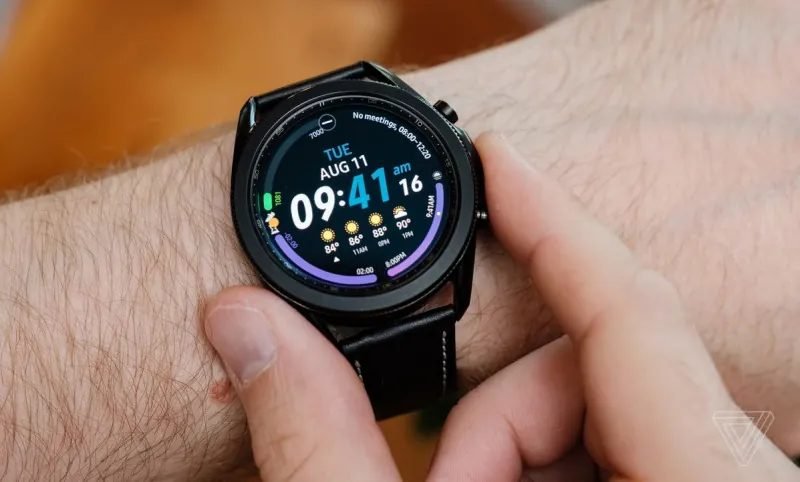
Best Smartwatch for Android: How to Choose the Right One
Shopping for a smartwatch that pairs with an Android phone can feel overwhelming. Dozens of models promise fitness tracking, notifications, and stylish designs, but the differences between them matter a lot in daily use. The good news is that finding the best smartwatch for Android comes down to understanding a handful of key features rather than memorizing every specification on the shelf.
Whether you are a runner who wants accurate GPS, a professional who needs reliable notifications on the go, or someone who simply wants to track sleep and steps, there is an Android smartwatch that fits your routine. This guide walks through the features that matter most, the trade-offs worth knowing about, and a simple checklist you can use before you buy.
Why Choose a Smartwatch That Pairs with Android
Android smartwatches are built to work hand in hand with Android phones. When the two devices come from the same ecosystem, setup takes minutes: you open a companion app, sign in, and your watch syncs contacts, messages, and apps automatically. Notifications mirror from your phone to your wrist, and you can reply to texts or take calls without reaching into your pocket.
Another advantage is choice. Android supports smartwatches from several manufacturers, so you can pick a design you actually like wearing instead of settling for a single option. Some models lean sporty with rugged cases, while others look like traditional watches with round faces and leather-style straps. Software compatibility also matters: Wear OS watches integrate with Google services such as Google Maps, Google Wallet, and the Play Store, which keeps the experience smooth across your devices.
Key Features to Look For
Not every feature matters equally for every buyer. Focus on the ones that match how you plan to use the watch, and treat the rest as nice extras.
Display and Design
The display is the part of the watch you will interact with constantly, so it deserves attention. Look for a bright, high-contrast screen that stays readable in direct sunlight — most modern smartwatches use OLED or AMOLED panels, which also keep blacks deep and colors vivid. Touch responsiveness should feel snappy, and many models add a rotating bezel or crown for easier navigation when your fingers are sweaty or gloved.
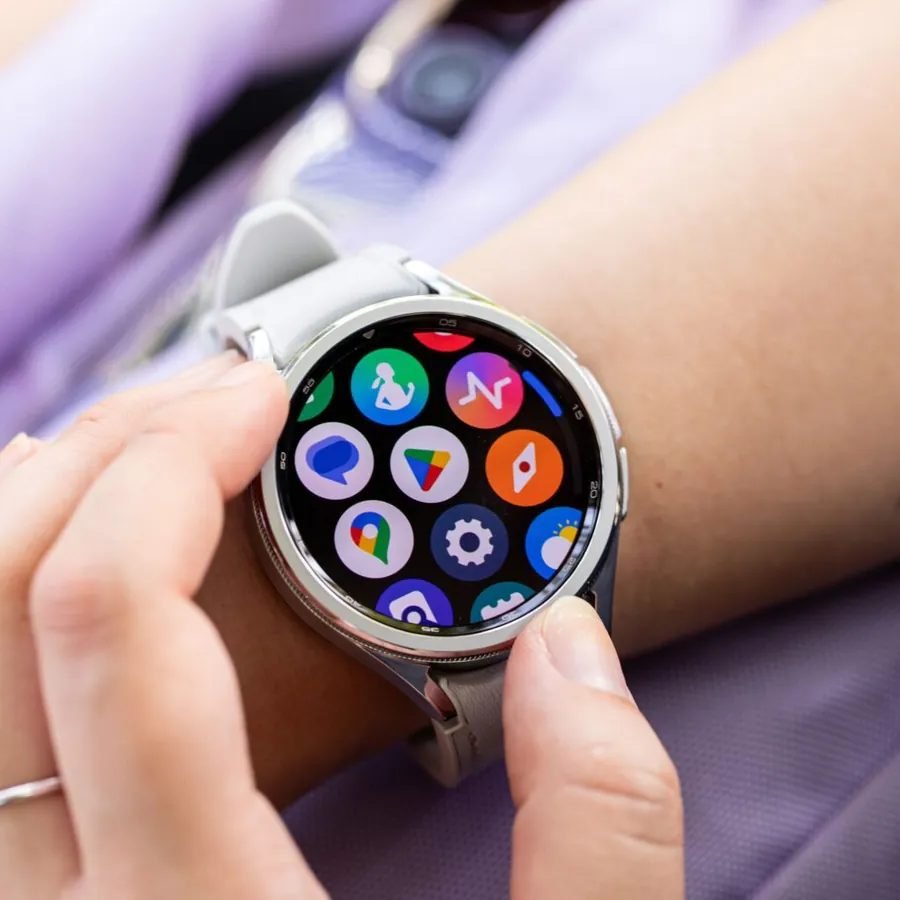
Size and weight matter more than people expect. A large watch face looks great in photos but can feel bulky on smaller wrists, especially while sleeping. Try to find a case diameter that suits your wrist: many manufacturers offer two sizes of the same model, which makes it easy to pick the more comfortable fit. Swappable straps are another plus — they let you switch from a sporty silicone band to something dressier in seconds.
Battery Life
Battery life is the most common frustration with smartwatches, so set your expectations before buying. Feature-rich watches with always-on displays and LTE connectivity typically need charging every day or two, while simpler models can stretch through several days on a single charge. Think about your routine: if you want to track sleep every night, a watch that dies by bedtime will quickly become annoying.
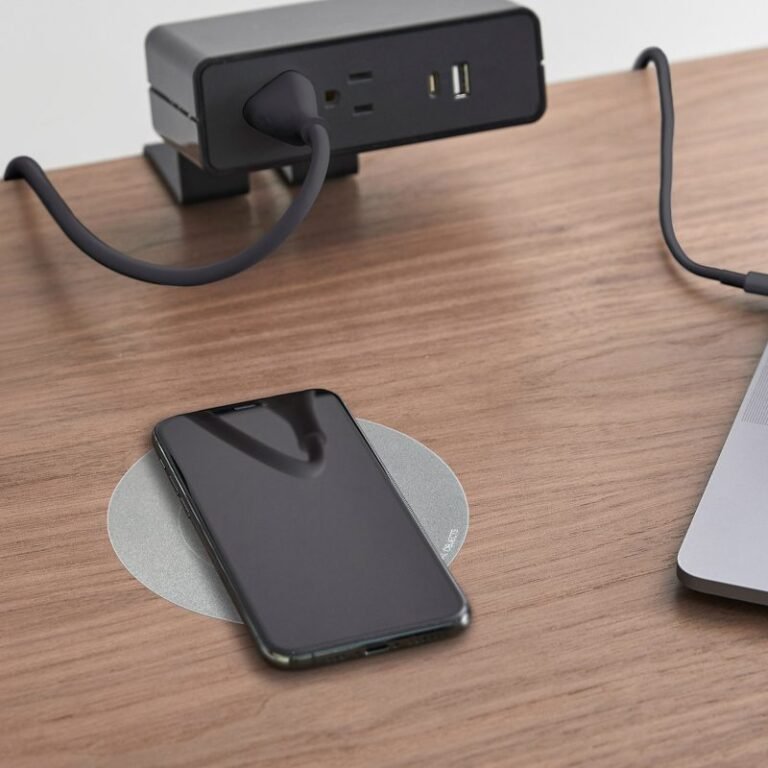
Fast charging can soften the blow. Some watches refill a meaningful portion of their battery in under half an hour, which is enough to top up while you shower and get dressed. Magnetic chargers are convenient, though proprietary chargers mean you should keep a spare if you travel often. To explore what the major brands currently offer, you can browse Samsung’s official Galaxy Watch lineup to see the range of sizes, styles, and battery approaches available.
Health and Fitness Tracking
Most Android smartwatches cover the basics: step counting, heart-rate monitoring, sleep tracking, and workout detection. The differences show up in accuracy and depth. Runners and cyclists should prioritize watches with reliable built-in GPS, since phone-free route tracking is a huge convenience. Swimmers need proper water resistance ratings, not just splash protection.
Advanced sensors measure things like blood oxygen, skin temperature, and ECG readings. These features are interesting, but remember that consumer wearables are wellness tools, not medical devices — they are great for spotting trends in your own data, but they do not replace professional health monitoring. If health tracking is your main goal, also check whether the companion app presents your data in charts and summaries that are actually easy to understand.
App Ecosystem and Compatibility
A smartwatch is only as useful as the apps it runs. Wear OS watches give you access to a wide catalog of apps through the Play Store, from music streaming to navigation to transit cards. Check that the apps you rely on every day actually have watch versions — a music app you love is far less useful on your wrist if it cannot download songs for offline listening.
Compatibility with your specific phone also matters. Some features work best when the watch and phone come from the same brand, such as advanced health insights or seamless earbuds pairing. That said, most core functions — notifications, calls, music control, fitness tracking — work across brands as long as the watch supports your phone’s version of Android.
How to Pick the Right Size and Band
Comfort decides whether you will actually wear the watch every day, so do not skip this step. A watch that is too heavy will slide around during workouts and dig into your wrist at night. If you cannot try the watch on in a store, measure your wrist and compare it with the case dimensions listed by the manufacturer.
Bands deserve their own consideration. Silicone bands are ideal for exercise because they resist sweat and wash easily. Fabric or leather-style bands look better for office wear but absorb moisture, so they are less practical for daily workouts. Quick-release lugs let you swap bands without tools, which means one watch can cover both scenarios. Many third-party bands are inexpensive and come in endless colors, so personalizing your look is easy once you know the lug width.
Quick Buying Checklist
Run through this checklist before you finalize your purchase:
- Confirm the watch is compatible with your phone’s Android version and supports the features you care about.
- Choose a case size that fits your wrist comfortably, especially if you plan to wear it overnight.
- Decide how much battery life you need based on whether you want sleep tracking and how often you are willing to charge.
- Check that your must-have apps (music, maps, payments) have working watch versions.
- Verify water resistance if you swim or train outdoors in all weather.
- Look at the companion app’s reviews — a great watch with a clunky app is a frustrating combination.
- Consider whether you need LTE cellular connectivity or whether Bluetooth-only is enough (cellular adds cost and drains battery faster).
Frequently Asked Questions
Do I need a Samsung phone to use a Samsung Galaxy Watch?
No. Galaxy Watches pair with most modern Android phones. Some brand-specific extras may only work with a Samsung phone, but core features like notifications, calls, fitness tracking, and app downloads work across compatible Android devices.
Can an Android smartwatch make calls without my phone nearby?
Only models with LTE cellular connectivity can make calls independently, and they require a data plan from your carrier. Bluetooth-only models need your phone within range to handle calls and messages.
Are smartwatch health sensors accurate?
They are generally good enough for tracking trends in your heart rate, sleep patterns, and activity levels over time. They are not medical-grade instruments, so treat unusual readings as a reason to pay attention to your body rather than as a diagnosis.
How long does a smartwatch battery realistically last?
It depends heavily on usage. With an always-on display, frequent GPS workouts, and cellular enabled, many watches need daily charging. With the display set to raise-to-wake and GPS used occasionally, the same watch can often last noticeably longer.
Can I swim with an Android smartwatch?
Many models are rated for swimming, but the exact rating matters. Look for a stated water-resistance rating that explicitly covers swimming rather than just splashes or rain, and rinse the watch with fresh water afterward if you swim in a pool or the sea.
Choosing the best smartwatch for Android is really about matching the watch to your habits: the right size for your wrist, the battery life for your routine, and the apps and sensors for your goals. Take your time, compare a few models side by side, and remember that the watch you will actually wear every day beats the one with the longest spec sheet. And if you are also shopping for family tech, take a look at our guide to the best tablet for kids for tips on choosing safe, parent-friendly devices.


One Comment