Best Budget Tablets: Great Picks Without the High Price
You do not need to spend flagship money to get a tablet that handles everyday life well. The gap between premium tablets and affordable ones has narrowed a lot in recent years: a well-chosen budget model can stream movies, handle video calls, run study and work apps, and keep kids entertained — all without the eye-watering price tag. The trick is knowing which corners are safe to cut and which ones will make you regret the purchase.
This guide walks through everything that matters when shopping for the best budget tablets. We will cover what to look for, which features are worth paying a little extra for, who each type of tablet suits best, and how to keep your device running smoothly for years.
Why a Budget Tablet Makes Sense
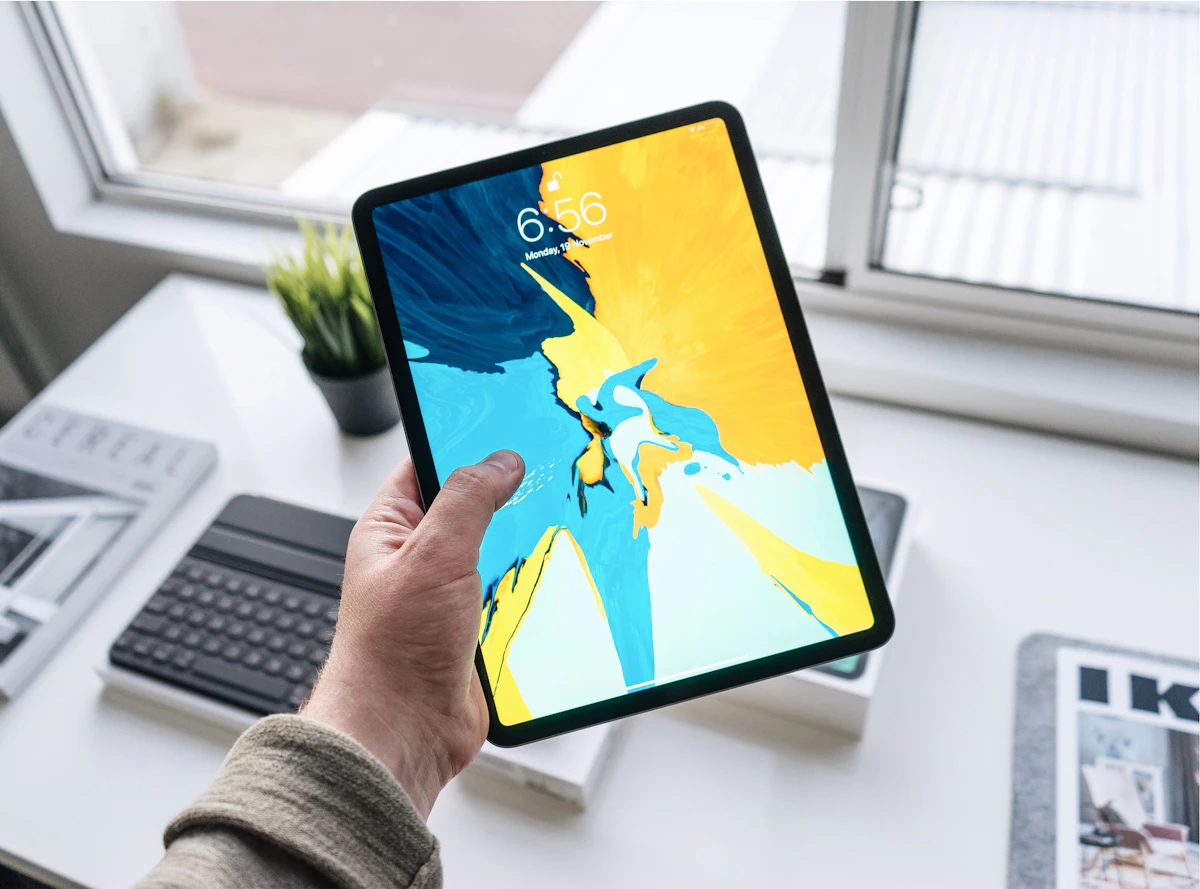
A tablet computer fills a gap that neither a phone nor a laptop covers perfectly. It is bigger and more comfortable than a phone for reading, watching, and sketching, yet lighter and more portable than a laptop for couch browsing, travel, and bedtime use. For many people, it becomes the most-used screen in the house after the television.
Budget tablets make particular sense in a few scenarios:
- Shared family device: A tablet that lives on the coffee table gets bumped, borrowed, and occasionally dropped. Buying affordable means less anxiety.
- Kids’ learning and play: Children need a sturdy, simple device — not a premium powerhouse. A budget tablet with parental controls is ideal.
- Second screen: If your phone and laptop already handle heavy work, a tablet just needs to be good at media, reading, and light browsing.
- Travel companion: A cheap tablet is the perfect e-reader, movie player, and map screen on trips, and losing it hurts far less.
What to Look for in a Budget Tablet
Affordable tablets vary wildly in quality, so it pays to check the details below before buying. These are the features that separate the genuinely good budget tablets from the frustrating ones.
Display quality
The screen is the part of the tablet you interact with most, so it deserves priority. Look for a display that is sharp enough that text looks crisp and colors look natural. Brightness matters too — a dim screen is miserable to use near a window or outdoors. A screen size around ten inches is the sweet spot for most people: big enough for movies and reading, small enough to carry comfortably.
Performance and storage
Budget tablets will not win speed records, but they should not stutter through basic tasks either. Enough memory and a reasonably modern processor keep apps responsive and multitasking smooth. Storage is equally important: apps, offline videos, and photos fill space fast. If the tablet supports expandable storage with a memory card, that is a big plus — it lets you buy the cheaper storage model and add space later.
Battery life
One of a tablet’s biggest advantages over a laptop is that it sips power. A good budget tablet should comfortably last through a full day of mixed use, and great ones stretch to multiple days of light use. If you plan to use the tablet for travel or long commutes, battery life should be high on your checklist.
Operating system and ecosystem
Tablets run mobile operating systems, and your choice of ecosystem affects which apps you can run and how well the tablet plays with your other devices. If you use a particular brand of phone, sticking with the same ecosystem usually gives you smoother syncing of photos, messages, and purchases. Also check how long the manufacturer provides software updates — a tablet that stops getting updates after a year is a poor long-term buy.
Build quality and extras
At budget prices, some tablets feel flimsy while others feel surprisingly solid. Metal backs and tight-fitting seams are good signs. Useful extras include a decent front camera for video calls, speakers that do not sound tinny at full volume, and a USB-C port for modern charging and accessories.
The Main Types of Budget Tablets
Not all affordable tablets are built for the same job. Understanding the main types helps you match the device to your needs.
Media and entertainment tablets
These are the classic budget tablets: designed for streaming video, reading e-books, browsing the web, and playing casual games. They typically offer a good screen and speakers at the expense of raw power. For most buyers, this is the right category.
Kids’ tablets
Kids’ tablets are built to survive drops, with rugged cases and software that locks down content to age-appropriate apps and videos. Parental controls are the headline feature: time limits, content filters, and activity dashboards. They are usually among the cheapest options and make excellent first devices.
Productivity-oriented tablets
Some budget tablets aim higher, offering keyboard cover support, stylus compatibility, and desktop-like multitasking features. These suit students and remote workers who want to take notes, annotate documents, or do light office work. They cost a bit more than pure media tablets but still far less than flagship models.
E-reader style tablets
If your main use is reading books, articles, and comics, you may not need a full-featured tablet at all. Simpler reading-focused devices are cheaper, lighter, and easier on the eyes for long sessions. The trade-off is that they handle video and apps poorly or not at all.
Who Should Buy Which Tablet
Matching the tablet to the person avoids both overspending and disappointment:
- Students: Prioritize a sharp screen, stylus support for handwritten notes, and enough storage for textbooks and lecture recordings.
- Young kids: Go for a rugged kids’ tablet with strong parental controls and a simple interface.
- Movie watchers: Screen quality and speakers matter most; performance is secondary.
- Remote workers: Look for keyboard support, good video-call cameras, and reliable Wi-Fi.
- Seniors: A simple interface, large text options, and a bright, clear display make the biggest difference.
How to Get the Most from a Budget Tablet
A few habits can make an affordable tablet feel far more premium than its price suggests.
Keep software updated
Install system and app updates promptly. Updates patch security holes, fix bugs, and sometimes improve performance — all free improvements to a device you already own.
Manage storage proactively
Budget tablets often have modest storage. Offload photos to cloud storage, download streaming content only when you need it offline, and uninstall apps you no longer use. If your tablet supports a memory card, use it for media files.
Protect the screen
A screen protector and a case are cheap insurance. Budget tablet screens are expensive to replace relative to the device’s price, so a ten-dollar protector can save the whole purchase.
Use it for what it is good at
Tablets shine at consumption — reading, watching, browsing, video calls — and are merely okay at creation. Leaning into its strengths (and reaching for a laptop for heavy work) keeps the experience pleasant instead of frustrating.
Pair it with your smart home
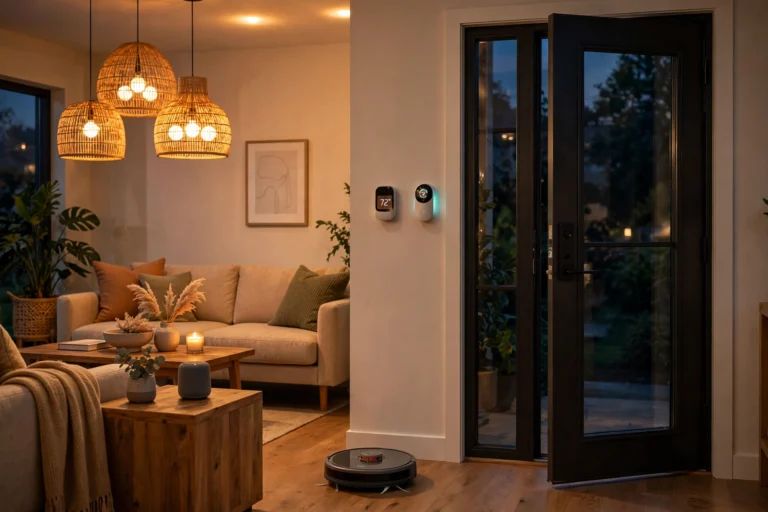
A budget tablet makes an excellent always-on smart home dashboard in the kitchen or living room, showing cameras, controlling lights, and playing music. If that appeals to you, take a look at our guide to the best smart speakers for home to build out the voice-control side of your setup.
Frequently Asked Questions
Are budget tablets good enough for schoolwork?
Yes, for most school and college work. A budget tablet handles note-taking, reading textbooks, watching lectures, browsing research, and running common study apps without trouble. For heavy tasks like video editing or large spreadsheets, a laptop is still the better tool, but as a study companion, an affordable tablet is more than capable.
How much storage do I need on a budget tablet?
It depends on how you use it. If you mostly stream content and use cloud storage, a modest amount of internal storage is fine. If you download lots of movies, games, or large apps for offline use, get as much as you can afford — or choose a tablet with a memory card slot so you can expand later.
Can a budget tablet replace a laptop?
For light use — email, browsing, video calls, streaming, and reading — many people find a tablet with a keyboard cover covers their needs. But if your work involves heavy multitasking, specialized software, or lots of typing, a laptop remains the more productive choice. Think of a budget tablet as a complement to a computer, not a full replacement.
Do budget tablets get software updates?
It varies by manufacturer. Reputable brands typically provide a few years of security and feature updates even on budget models, while no-name tablets may stop updating almost immediately. Before buying, check the manufacturer’s update policy — it is one of the clearest markers of a trustworthy budget brand.
Is it worth buying a tablet just for kids?
Absolutely. A dedicated kids’ tablet with parental controls is safer and cheaper than handing a child your phone. Time limits, filtered content, and rugged designs are built for exactly this use case, and replacing an affordable tablet is far less painful than replacing a cracked flagship phone screen.


One Comment