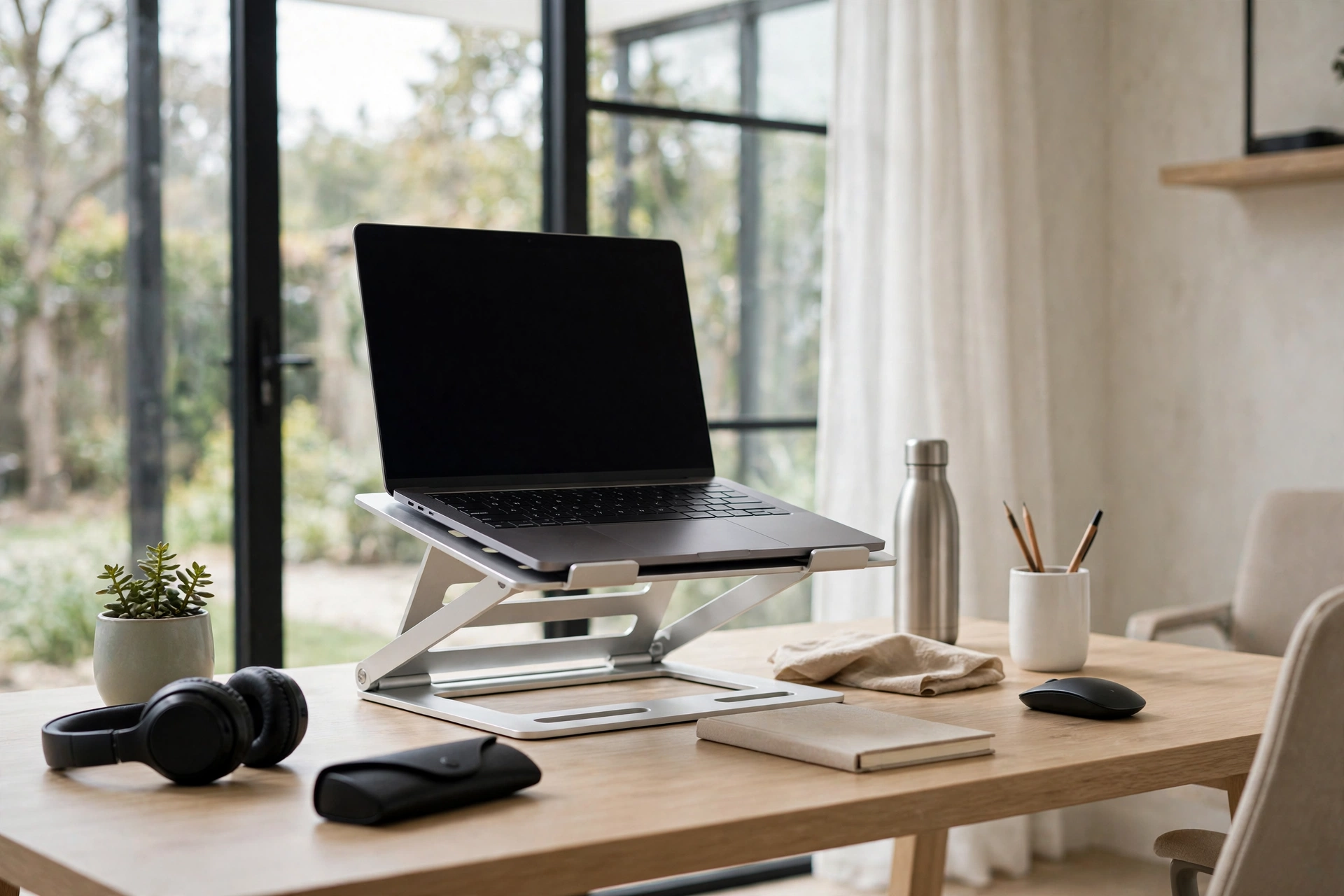
Best Laptop Stand: 7 Top Picks for 2026
If you spend your days hunched over a laptop, your neck and shoulders are paying the price. A laptop screen sits far below eye level, forcing your spine into a painful C-shape for hours at a time. The best laptop stand fixes this in seconds by raising your screen to a comfortable viewing height, improving your posture, cooling your machine, and freeing up desk space. After years of testing desk setups, we have narrowed the market down to the seven best laptop stands worth your money in 2026, covering every budget from ultra-portable travel options to rock-solid desktop workstations.
Why a Laptop Stand Is Worth It
Laptops were designed for occasional use on the move, not eight-hour workdays. When your screen sits flat on a desk, you tilt your head down at a sharp angle — a posture ergonomists call “tech neck.” Studies on workplace ergonomics consistently show that raising the screen to eye level reduces neck strain and can even improve focus, because you stop shifting in your chair to compensate for discomfort.
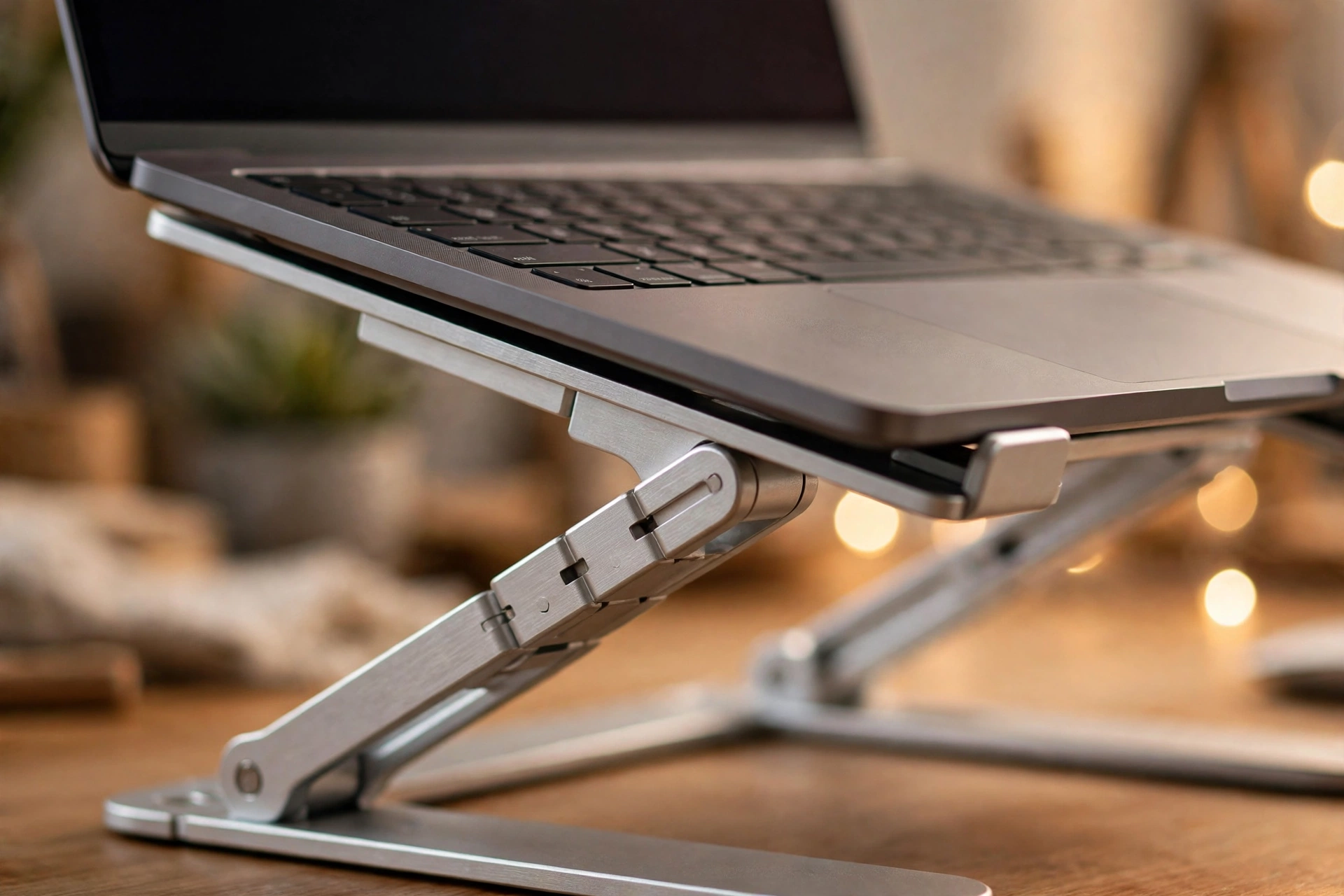
Beyond posture, stands improve cooling. Most laptops vent heat through the base and keyboard deck. Lifting the machine off the desk lets air circulate underneath, which can lower internal temperatures and help your fans run quieter. Aluminum stands go a step further by acting as passive heat sinks, drawing warmth away from the chassis. A stand also pairs perfectly with an external keyboard and mouse, turning any laptop into a desktop-class workstation while keeping your desk tidy.
How We Chose the Best Laptop Stands
To pick these seven, we evaluated dozens of stands on the factors that actually matter in daily use:
- Ergonomics: The stand should raise the screen to roughly eye level and pair well with an external keyboard, which means a height of at least 5 to 6 inches for desktop stands.
- Stability: No wobble while typing. A stand that rocks when you hit the keys is worse than no stand at all.
- Build quality and materials: Solid aluminum beats thin plastic for durability and heat dissipation.
- Portability: If you travel, a folding stand that fits in a laptop sleeve is essential.
- Adjustability: Adjustable stands suit shared desks and multiple users; fixed stands trade flexibility for simplicity and style.
- Compatibility: Every pick here works with 13-inch to 16-inch laptops, covering the vast majority of notebooks on the market.
The 7 Best Laptop Stands of 2026
1. Rain Design mStand — Best Overall
The Rain Design mStand is the classic that defined this category, and it remains the best laptop stand for most people. Machined from a single piece of aluminum, it raises your laptop 5.9 inches and holds it at a fixed ergonomic angle. It is extraordinarily stable — there is virtually no bounce while typing — and the aluminum body doubles as a heat sink to keep your machine cool. A cable hole in the back keeps your desk tidy, and there is room underneath to stash a keyboard when you are done. You can read the full feature list and specs on the Rain Design mStand’s official page. It fits all MacBooks and most Windows laptops, and it comes in six finishes to match your setup.
2. Rain Design iLevel2 — Best Adjustable Desktop Stand
If you want a height you can dial in precisely, the iLevel2 is the adjustable sibling of the mStand. It uses a front slider to raise and lower your laptop between about 2.7 and 8.3 inches, so multiple people can share one desk comfortably. The build is just as solid as the mStand, with the same premium aluminum finish and cable management. It costs more than fixed stands, but the flexibility is worth it if your desk setup changes often.
3. NEXSTAND K2 — Best Portable Stand
Frequent travelers should look at the NEXSTAND K2. It folds down to a slim stick that slides into any laptop sleeve or backpack pocket, then unfolds into a sturdy stand with eight height settings up to 12.6 inches. At around 6 ounces, you will barely notice the weight. The plastic construction is not as luxurious as aluminum, but it is remarkably strong for its size, and ventilation slots keep your laptop cool.
4. Roost Laptop Stand — Best Premium Travel Stand
The Roost is the premium travel option: it folds down to a 13-inch bar and pops open to one of seven heights in seconds. It is taller and more stable than the NEXSTAND, and the rubber grips hold your laptop securely. It is pricier, but for digital nomads who set up a workstation in a new cafe every day, the speed and reliability justify the cost.
5. Twelve South Curve — Best Fixed Minimalist Stand
If your laptop never leaves your desk, the Twelve South Curve is a beautiful one-piece aluminum stand that lifts your screen to a comfortable height with zero setup. Like the mStand, it is non-adjustable, but its sculpted design looks like it was carved from a single block of metal, and the matte finish resists scratches. It is a favorite among MacBook users who want their desk to look as good as it functions.
6. OMOTON Adjustable Laptop Stand — Best Budget Pick
The OMOTON stand proves you do not need to spend much for good ergonomics. This folding aluminum stand adjusts through multiple angles, supports laptops up to 16 inches, and includes ventilation cutouts for cooling. It is heavier than travel-specific stands and not quite as refined, but for the price it is hard to beat as a first laptop stand.
7. Steklo X-Stand — Best Ultra-Compact Budget Option
The Steklo X-Stand is a clever folding design that collapses completely flat and costs less than a lunch. It offers several height settings and folds small enough to live permanently in your laptop bag. Build quality is basic, and it can wobble slightly with heavier 16-inch machines, but as a backup or first stand for a lightweight laptop, it is excellent value.
How to Choose the Right Laptop Stand
Follow this quick decision process to land on the right pick:
- Decide where you will use it. Desk-only users should pick a fixed aluminum stand like the mStand or Curve for maximum stability. Travelers need a folding stand like the NEXSTAND K2 or Roost.
- Match it to your laptop size. All our picks handle 13 to 16 inches, but check the weight rating if you have a heavy gaming laptop.
- Consider adjustability. If you share your desk or switch between sitting and standing, an adjustable stand pays for itself.
- Do not forget the keyboard. A stand raises your screen but also raises your keyboard. For comfortable typing, add an external keyboard and mouse — the combination is what delivers the real ergonomic payoff.
If you also create video content at your desk, you might enjoy our guide to the best drone for beginners — a fun way to take your filming beyond the desktop.
Frequently Asked Questions
What is the best laptop stand for neck pain?
Any stand that raises your screen to eye level will help, because the root cause of neck pain is looking down at a flat screen. Fixed stands like the Rain Design mStand or Twelve South Curve, paired with an external keyboard, are the most effective setup for chronic neck discomfort.
Do laptop stands actually help with cooling?
Yes. Lifting the laptop off the desk improves airflow underneath it, and aluminum stands additionally wick heat away from the chassis. Many users report noticeably quieter fans and lower temperatures under load.
Are laptop stands good for your posture?
When used correctly — screen at eye level, external keyboard at elbow height — stands are one of the simplest and cheapest ergonomic upgrades you can make. Without an external keyboard, though, you will trade neck strain for wrist strain, so use both together.
What size laptop stand do I need?
Most stands are rated for 10 to 17 inches, but stability is what matters. For 16-inch and larger laptops, choose a stand with a wide base and a high weight rating, such as the mStand or iLevel2, rather than an ultra-compact travel model.
Is an adjustable or fixed laptop stand better?
Adjustable stands are more versatile and suit shared desks, standing desks, and changing setups. Fixed stands are simpler, more stable, and usually look better. If only one person uses the desk, a fixed stand is often the better buy.
Can I use a laptop stand without an external keyboard?
You can, but it is not ideal. Raising the laptop puts the keyboard at an awkward angle for typing. A compact Bluetooth keyboard solves this and completes the ergonomic setup for a modest extra cost.
Final Verdict
The best laptop stand for most people in 2026 remains the Rain Design mStand: it is stable, beautiful, cools your laptop, and will outlast the machine sitting on it. Travelers should grab the NEXSTAND K2 or Roost, bargain hunters will be happy with the OMOTON, and anyone who shares a desk should consider the adjustable iLevel2. Whichever you choose, pair it with an external keyboard — your neck will thank you within a week.





One Comment