Best Ergonomic Chair (2026): Top Picks for Comfort and Posture
Your chair is the single most important piece of gear in your home office. You will spend thousands of hours in it, and the wrong one will repay you with back pain, stiff shoulders, and a commute-free job that still leaves you aching every evening. Choosing the best ergonomic chair is not about luxury — it is about protecting your body while you work.
This guide explains what makes a chair truly ergonomic, the features that matter most, our top picks for 2026 across every budget, and how to adjust your chair so it supports you properly. If you sit for most of your workday, this is the upgrade that pays off fastest.
Why Ergonomics Actually Matter
Ergonomics is the science of fitting your workspace to your body, and the chair is the foundation. A good ergonomic chair supports your spine’s natural S-curve, keeps your shoulders relaxed, and takes pressure off your lower back and hips. A bad chair does the opposite: it lets you slump, compresses your lumbar discs, and locks you into postures that cause pain over time.
The payoff is concrete:
- Less back pain: Adjustable lumbar support keeps your lower spine in its natural position instead of rounding.
- Better circulation: A properly sized seat pan prevents pressure behind the knees and reduces leg numbness.
- Less neck and shoulder strain: The right seat height and armrests stop you from hunching toward your screen.
- More sustained focus: Comfort is not laziness — when your body is not complaining, your brain stays on the task.
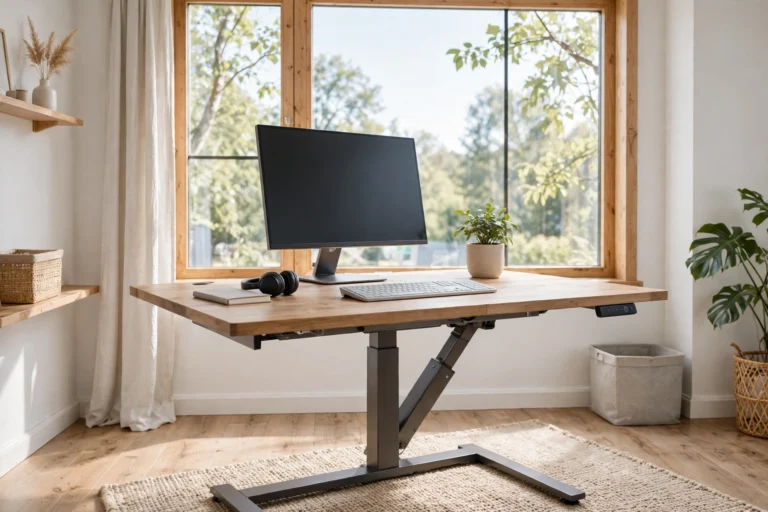
No chair replaces movement, of course. Even the best ergonomic chair works best alongside regular breaks, stretching, and — if your setup allows — a height-adjustable desk so you can stand part of the day.
What to Look for in the Best Ergonomic Chair
Adjustable Lumbar Support
This is the feature that separates real ergonomic chairs from stylish office chairs. Look for lumbar support that adjusts in both height and depth, so the support hits exactly where your lower back curves. Fixed lumbar bumps are a compromise; adjustable ones actually fit your body.
Seat Depth and Width
Your seat pan should support most of your thighs while leaving two to four fingers of space between the seat edge and the backs of your knees. Many good chairs offer sliding seat depth adjustment — essential if you are very tall or short, since a one-size seat rarely fits everyone.
Armrests
Armrests should support your forearms so your shoulders can relax, not push them upward. 3D or 4D armrests adjust in height, width, and pivot, letting you position them exactly right. At minimum, get height-adjustable armrests — fixed arms force your posture to fit the chair instead of the other way around.
Recline and Tilt Tension
A quality chair lets you recline with the backrest following your movement while the seat stays stable. Adjustable tilt tension means the resistance matches your body weight, and a tilt lock lets you set your preferred recline angle. Reclining to 100–110 degrees is the most comfortable working angle for most people.
Headrest
A headrest is not mandatory, but it helps a lot during phone calls, video meetings, and thinking breaks. Adjustable headrests that move up, down, and tilt are far more useful than fixed ones. If you recline often, prioritize this feature.
Material and Build Quality
Mesh backrests keep you cool and flex with your movement; foam seats offer plush comfort but can trap heat. Check the weight rating, the smoothness of the adjustments, and the warranty — a five-year-plus warranty signals a chair built to last. Herman Miller, the company that pioneered modern ergonomic seating, offers a useful reference for what premium build quality looks like if you want to compare.
Base and Casters
A five-point aluminum base with smooth-rolling casters is the standard for good reason. Make sure the casters suit your floor — hard casters scratch wood floors, while soft rollerblade-style casters work well on hard surfaces but grip carpet less.
Our Top Picks: The Best Ergonomic Chairs of 2026
1. Best Overall: Full-Featured Mesh Ergonomic Chair
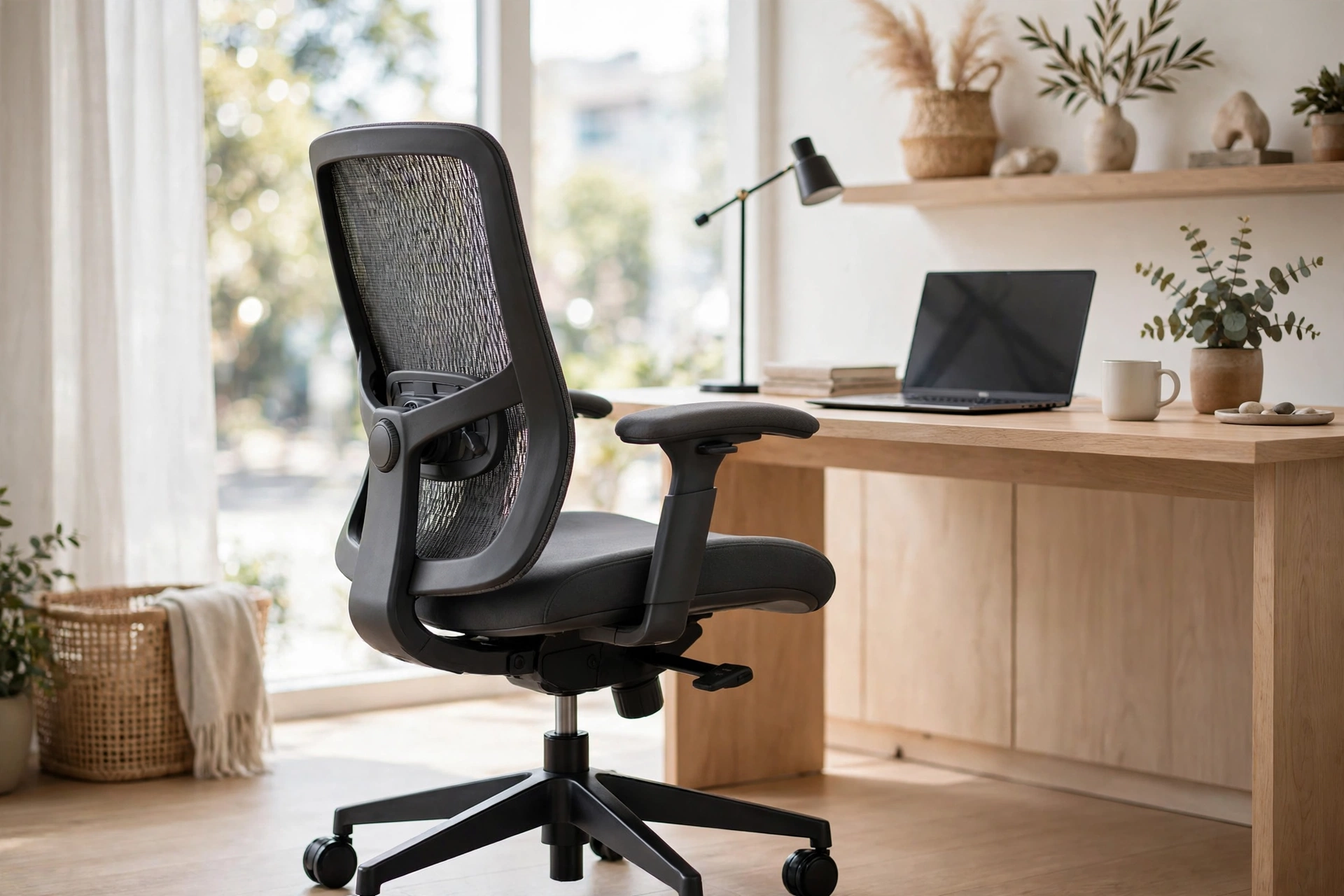
The best ergonomic chair for most people combines adjustable lumbar support, a breathable mesh back, 3D armrests, a sliding seat, and a solid 5+ year warranty — all at a mid-range price. This class of chair fits the widest range of bodies and working styles, and it is where your money buys the most comfort per dollar.
2. Best Budget Pick: Simple Ergonomic Task Chair
You do not need to spend a fortune to sit better. Budget ergonomic chairs offer height-adjustable lumbar support, basic armrests, and a comfortable seat for a fraction of the premium price. You give up some fine-tuning and long-term durability, but the jump from a cheap dining chair to even a basic ergonomic model is enormous.
3. Best Premium Pick: High-End Designer Ergonomic Chair
Premium chairs from established ergonomic brands offer exceptional build quality, 12-year warranties, and designs refined over decades of research. They are expensive — often four figures — but for people who work ten hours a day and plan to keep the chair for a decade, the cost per comfortable hour is tiny.
4. Best for Big and Tall Users: Heavy-Duty Ergonomic Chair
Standard chairs are designed around average body sizes. If you are tall or heavy, look for chairs with higher weight ratings (300+ pounds), wider seats, taller backrests, and reinforced frames. Sitting in a chair that is too small compresses your hips and wrecks your posture — proper sizing is a health feature, not a luxury.
5. Best for Small Spaces: Compact Ergonomic Chair
Home offices in apartments do not have room for oversized executive chairs. Compact ergonomic chairs keep the key adjustments — lumbar support, seat height, armrests — in a smaller footprint that tucks under a desk. You sacrifice recline range and seat width, but gain a chair that fits your space.
6. Best Gaming-Style Ergonomic Chair
Gaming chairs borrow racing-seat styling, but the better ones also include real ergonomic features: lumbar pillows, adjustable armrests, and smooth recline. They suit people who like a high backrest and bold looks. Just make sure the model you choose has genuine adjustability, not just padding and a logo.
7. Best for Back Pain: Chair with Dynamic Lumbar Support
If you already have back issues, prioritize chairs with advanced, dynamic lumbar systems that move with you as you shift and recline. These cost more, but targeted support can make a real difference in daily comfort. As always, check with a doctor or physiotherapist for persistent pain — a chair helps, but it is not medical treatment.
How to Adjust Your Chair for Perfect Posture
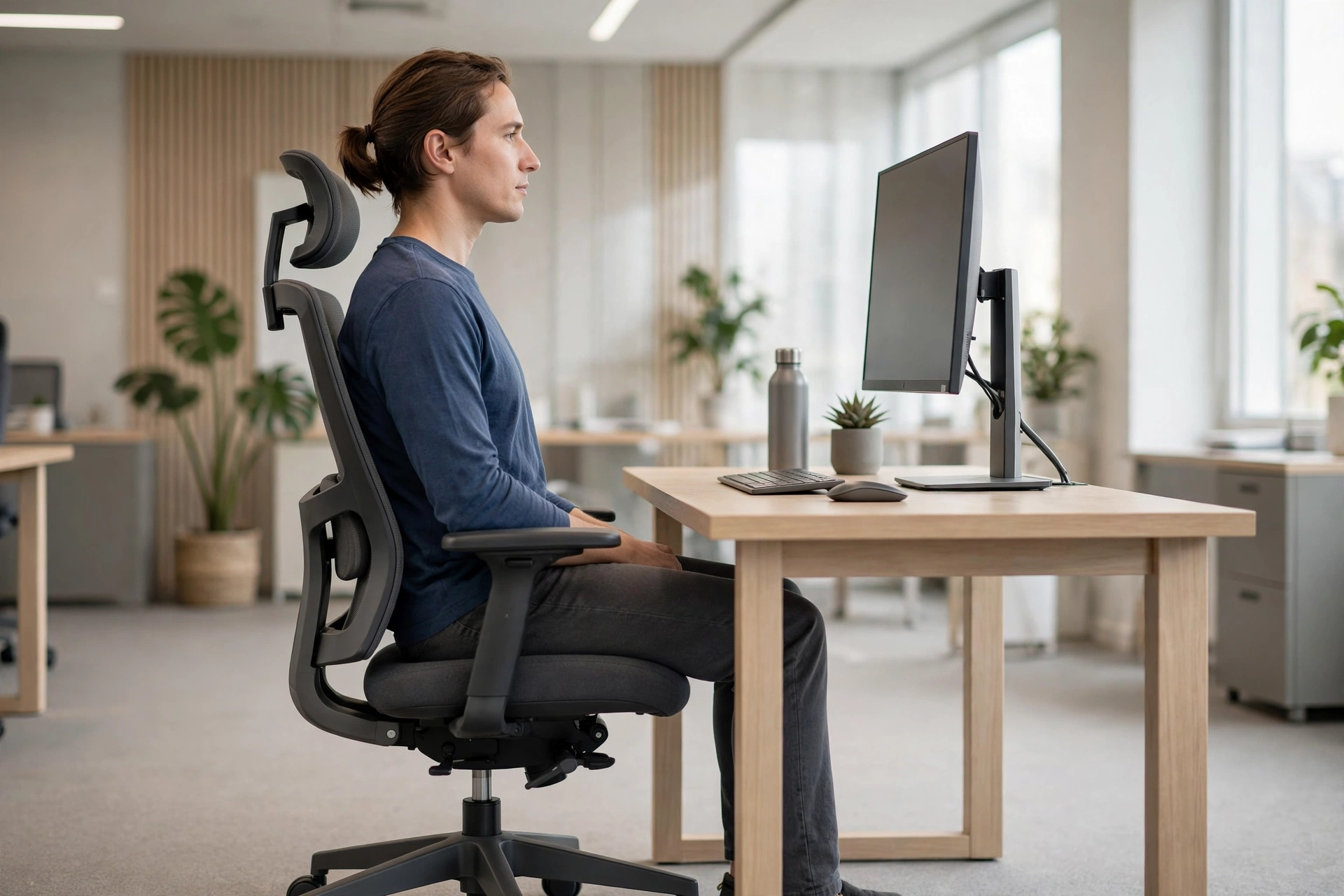
Buying the best ergonomic chair means nothing if you leave it at factory settings. Take ten minutes to dial it in:
- Seat height: Feet flat on the floor, thighs roughly parallel to the ground. Your hips should be at or slightly above knee level.
- Seat depth: Slide the seat so there is a two-to-three-finger gap between the seat edge and the back of your knees.
- Lumbar support: Position it so the support fills the curve of your lower back. You should feel gentle, even pressure — not a hard poke.
- Armrests: Set them so your shoulders are relaxed and your elbows rest at about 90 degrees. If they lift your shoulders, they are too high.
- Recline: Lean back to about 100–110 degrees for general work. Sit more upright for intense typing, and recline further for reading or calls.
- Monitor: The top of the screen at or slightly below eye level, about an arm’s length away. Your chair adjustment and desk setup work together — this is also why many people pair their chair with a best standing desk for a full sit-stand workstation.
Frequently Asked Questions
Are ergonomic chairs worth the money?
Yes, if you sit for long hours. The difference between a $100 basic chair and a $300–$500 ergonomic chair is immediately noticeable in back support and adjustability. Think of it as equipment you use 2,000+ hours a year — the cost per hour is pennies.
How long should an ergonomic chair last?
A well-built ergonomic chair lasts 7 to 12 years with daily use. Mesh and mechanisms wear before frames do. Buy from brands with strong warranties (5+ years), since warranty length is the best proxy for expected lifespan.
Can an ergonomic chair fix my back pain?
It can reduce pain caused by poor sitting posture, which is the most common source of desk-related back pain. It will not fix injuries, herniated discs, or conditions that need medical treatment. If pain persists for weeks, see a professional.
Mesh or cushion seat — which is better?
Mesh breathes better and suits warm climates or people who run hot. Cushion (foam) seats feel plusher and suit people who want a softer sit. Both work well ergonomically; choose based on comfort preference and climate.
Do I need a headrest on my ergonomic chair?
Not strictly, but it helps during reclined work, calls, and breaks by supporting your neck. If you recline often, get one. If you sit fully upright and rarely lean back, you can skip it.
What is the best ergonomic chair for a short person?
Look for a chair with a low minimum seat height (around 16–17 inches), adjustable seat depth, and lumbar support that moves low enough to meet your spine’s curve. Being able to plant your feet flat on the floor is the key test.
Conclusion
The best ergonomic chair is the one that fits your body and the way you work. For most people, a mid-range mesh chair with adjustable lumbar support, 3D armrests, and a sliding seat delivers the biggest comfort upgrade for the money. Budget buyers can still sit far better than on a dining chair, and those with specific needs — big and tall frames, existing back pain, tiny spaces — should shop for their exact fit.
Take the time to adjust whatever you buy. Ten minutes of setup turns a good chair into a great one, and your back will notice the difference within the first week.