Best Smart Home Security Camera: A Practical Buyer’s Guide
A smart home security camera is one of the simplest upgrades you can make to your home. For a modest investment and an afternoon of setup, you get eyes on your front door, your driveway, your kids’ playroom, or your pets while you are at work. The technology has matured to the point where even affordable cameras offer features that were once reserved for expensive professional systems.
But buying the right one is trickier than it looks. Resolution numbers only tell part of the story. Some cameras record beautifully but lock your footage behind a monthly subscription. Others work wonderfully until your Wi-Fi hiccups. And a camera that is perfect for watching your porch may be completely wrong for monitoring a nursery. The differences that matter most are rarely the ones printed biggest on the box.
This guide cuts through the confusion. We will walk through the features that genuinely affect day-to-day use, the hidden costs to watch for, the privacy questions you should ask, and how to match a camera to your specific situation — whether you rent an apartment or own a house with a big yard.
What a Smart Home Security Camera Should Actually Do
At its core, a security camera has one job: show you what is happening, reliably, when it matters. That sounds simple, but reliability is where cheap cameras most often fail. A camera that misses the delivery driver because its motion detection was too slow, or that records a blurry smear instead of a face at night, is not doing its job — no matter how impressive its spec sheet looks.
The best cameras share a few traits: they connect to your home network and stay connected, they send timely alerts when something actually happens, they record footage you can actually use, and they keep working through power blips, weather, and darkness. Everything else — fancy AI features, sleek design, voice control — is secondary to that foundation. When you are comparing options, independent hands-on testing is worth more than any marketing claim. TechRepublic’s hands-on comparison of smart home security cameras tests real models on video quality, detection accuracy, and long-term costs, and it is a solid reference before you spend anything.
Key Features to Compare
Video Quality and Night Vision
Resolution matters, but it is not the whole picture. A camera’s lens quality, sensor size, and image processing affect clarity just as much as the pixel count. Pay special attention to night vision, since many security events happen after dark. Infrared night vision produces black-and-white footage that is perfectly serviceable, while cameras with spotlights or low-light color sensors can capture color footage at night — useful for identifying clothing or vehicle colors. Also consider the field of view: a wider lens covers more area with fewer cameras, which can save you real money on a multi-camera setup.
Power Options
How a camera gets its power shapes where you can put it. Wired cameras need an outlet or a doorbell transformer nearby, but they never need charging and can often record continuously. Battery-powered cameras can go almost anywhere, which is great for renters and tricky mounting spots, but you will need to recharge or swap batteries periodically — more often in busy areas that trigger lots of recordings. Solar panels can top up compatible battery cameras and dramatically reduce charging chores if the mounting spot gets decent sunlight. Think honestly about how much maintenance you will tolerate before choosing.
Storage: Local vs. Cloud
This is one of the most important decisions, and many buyers overlook it. Cloud storage keeps your recordings on the manufacturer’s servers, which protects footage even if the camera is stolen — but it usually requires a monthly or annual subscription to keep more than a short rolling window of clips. Local storage, via a memory card in the camera or a hub in your home, avoids ongoing fees and keeps your footage private, but recordings can be lost if the camera itself is taken. Some cameras offer both. Decide which trade-off you prefer before you buy, because switching ecosystems later is a hassle.
Smart Detection and Alerts
Basic motion detection alerts you to everything: passing cars, swaying branches, neighborhood cats. Smarter cameras can distinguish people, animals, vehicles, and packages, which cuts false alarms dramatically. Person detection alone transforms the experience — instead of dozens of meaningless notifications a day, you get a handful that matter. Some cameras also offer activity zones, letting you monitor your porch while ignoring the public sidewalk. These features sometimes require a subscription, so check what is included free versus what sits behind a paywall.
Two-Way Audio
A speaker and microphone turn a camera into an intercom. You can tell the delivery driver to leave a package by the door, warn off a suspicious visitor, or soothe a barking dog from your office. Audio quality varies widely, so if this matters to you, look for models specifically praised for clear two-way talk rather than assuming they all work equally well.
Smart Home Integration
A camera that plays nicely with your existing smart home is far more useful than a standalone one. Integration with your voice assistant lets you pull up a live feed on a smart display with a spoken command. Compatibility with broader platforms means the camera can trigger automations — like turning on porch lights when motion is detected after dark. If you have already invested in one ecosystem, sticking with cameras that support it will save you from juggling multiple apps.
Indoor, Outdoor, or Doorbell Cameras
Different spots around your home call for different cameras:
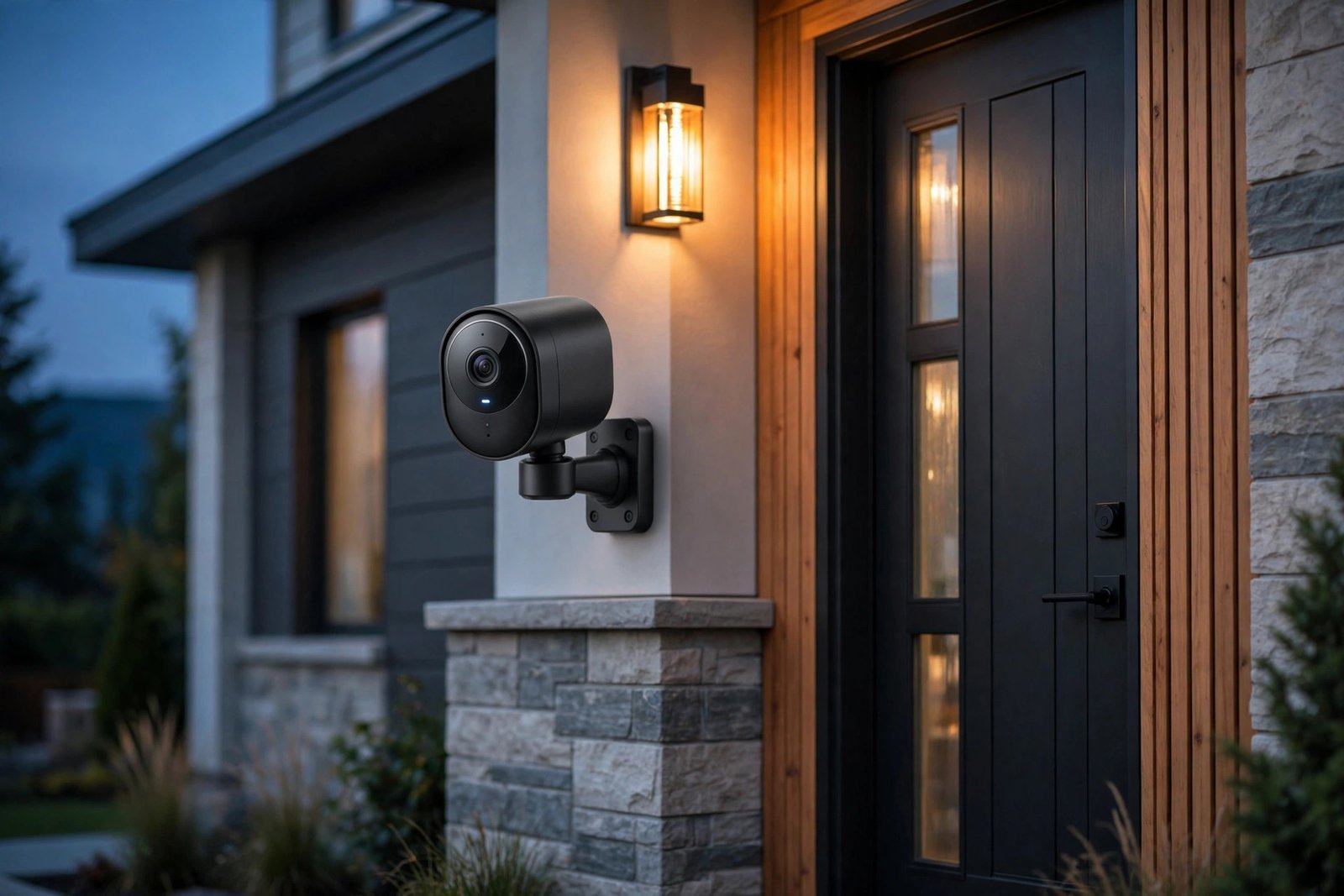
- Outdoor cameras need weather resistance and good night vision. Mount them high enough to avoid tampering but angled to capture faces, not just the tops of heads.
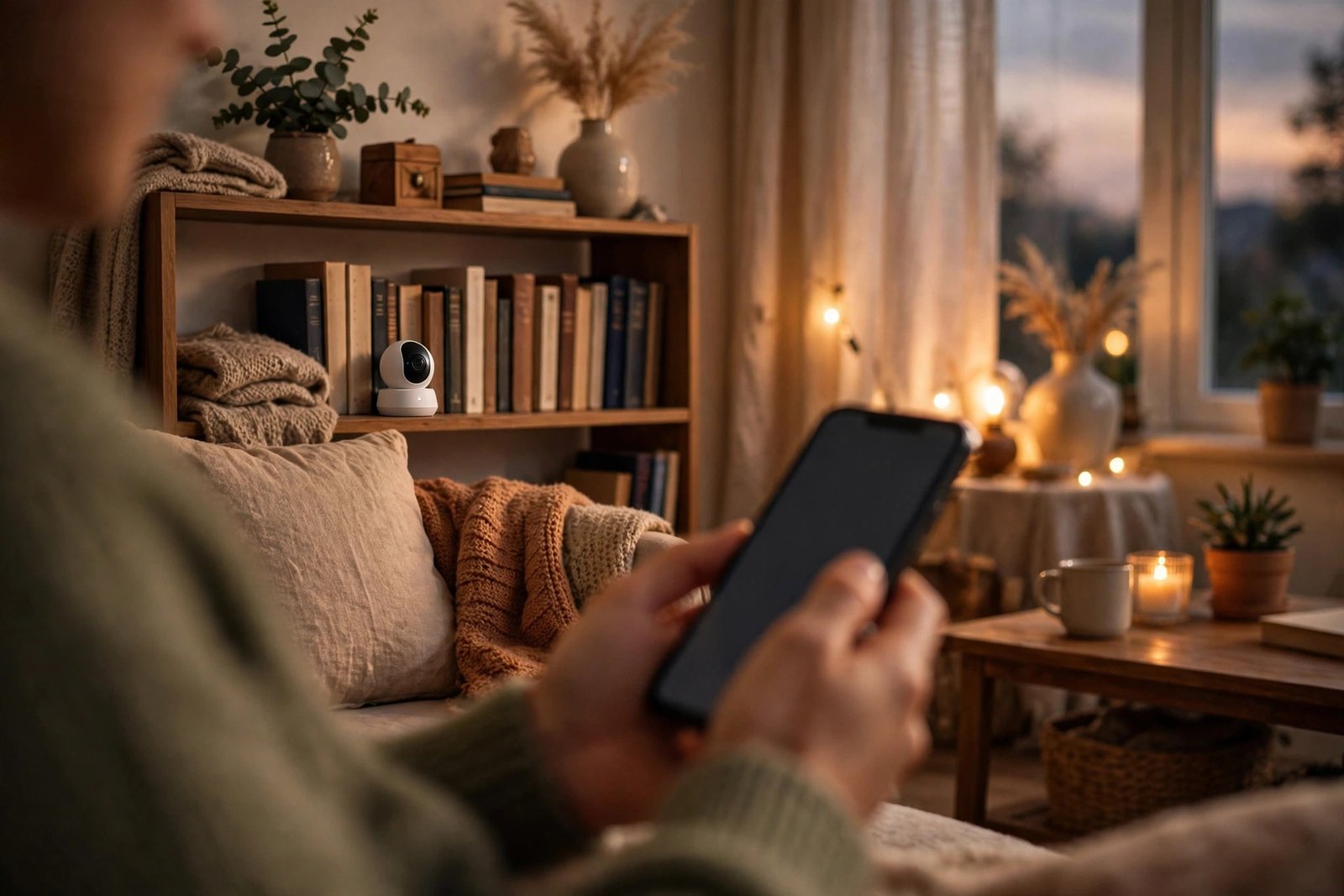
- Indoor cameras are great for keeping an eye on kids, pets, or entry points. Privacy features like a physical shutter or easy scheduling matter more here.
- Video doorbells replace your existing doorbell and are ideal for monitoring packages and visitors. They need a compatible chime or wiring setup, so check compatibility with your current doorbell before buying.
- Pan-and-tilt cameras can swivel to follow movement, covering a large room or yard with a single unit — a cost-effective option for wide areas.
The Hidden Cost: Subscriptions
The sticker price of a camera is only part of the total cost. Many cameras require a subscription to unlock their most useful features: longer video history, smart detection, cloud storage, or even basic recording in some cases. Before buying, map out the real cost over a few years — a cheap camera with a pricey mandatory subscription can end up costing far more than a pricier camera with free local storage.
As a rule of thumb, cameras with local storage options give you the most flexibility: you can start subscription-free and add cloud backup later if you want it. Cameras that are useless without a subscription deserve extra scrutiny — make sure the ongoing cost is one you are genuinely comfortable paying indefinitely.
Privacy and Security Tips
- Use a strong, unique password for your camera account and enable two-factor authentication wherever it is offered. Most camera hacks exploit weak or reused credentials, not sophisticated attacks.
- Keep firmware updated. Manufacturers patch security vulnerabilities regularly. Enable automatic updates if the option exists.
- Think about placement. Point cameras at entry points and valuables, not at neighbors’ windows or private spaces. Be aware of local laws about recording audio and video.
- Review sharing settings. Some apps make it easy to accidentally share feeds with family members or neighbors. Audit who has access periodically.
- Consider a camera with a physical shutter for indoor use, so you can be certain it is not recording when you want privacy.
Where to Place Your Cameras
Placement matters as much as the camera itself. Cover the main entry points first: front door, back door, and ground-floor windows are the priorities. Mount outdoor cameras out of easy reach to deter tampering, and angle them to capture approaches rather than staring straight at a wall. Avoid pointing cameras directly at bright light sources, which can wash out footage. For indoor cameras, common choices are the main hallway, the living room, and anywhere valuables are kept. And remember: a visible camera is itself a deterrent, so do not hide them all.
Frequently Asked Questions
Do security cameras work without Wi-Fi?
Most smart cameras need Wi-Fi for live viewing, alerts, and cloud features. Some can record locally to a memory card without an internet connection, but you will not get phone notifications or remote access until the connection returns. If your internet is unreliable, look for cameras with strong local recording as a fallback.
Can security cameras be hacked?
Any internet-connected device can be attacked, but the risk is manageable. The vast majority of incidents involve weak passwords or outdated firmware rather than exotic exploits. Use a unique password, enable two-factor authentication, keep the firmware current, and buy from established brands with a track record of security updates.
Do I need a subscription for a security camera?
It depends on the camera. Some offer useful free tiers with short clip history and basic alerts, while others need a subscription for almost everything beyond live viewing. Cameras with local storage are the best option if you want to avoid ongoing fees entirely. Always check exactly what is free before you buy.
How many cameras do I need?
Start with entry points: the front door area alone covers a large share of incidents. Most homes are well served by two to four cameras covering the front entrance, back entrance, and any vulnerable ground-floor access. You can always expand later — it is better to start with a few well-placed cameras than to blanket the house poorly.
Are wireless cameras as reliable as wired ones?
Wired cameras win on reliability: no batteries to charge and a steadier connection. But modern wireless cameras are very good, and their flexibility often outweighs the maintenance. The key is a strong Wi-Fi signal at each mounting location — a camera with a weak signal will frustrate you regardless of how good it is otherwise.
The Bottom Line
The best smart home security camera is the one that fits your home, your habits, and your tolerance for subscriptions. Prioritize reliable connectivity, useful night vision, and honest alerting over headline resolution numbers. Decide on local versus cloud storage before you buy, place your cameras thoughtfully, and lock down your account security from day one. Do that, and a modest camera setup will give you genuine peace of mind for years. And while you are upgrading your home tech, do not forget your personal audio — our guide to the best noise cancelling headphones will help you find some well-earned quiet.